





Embeds and placeholders
How the embed builder works, which placeholders exist and how emojis and Discord formatting get into a message.
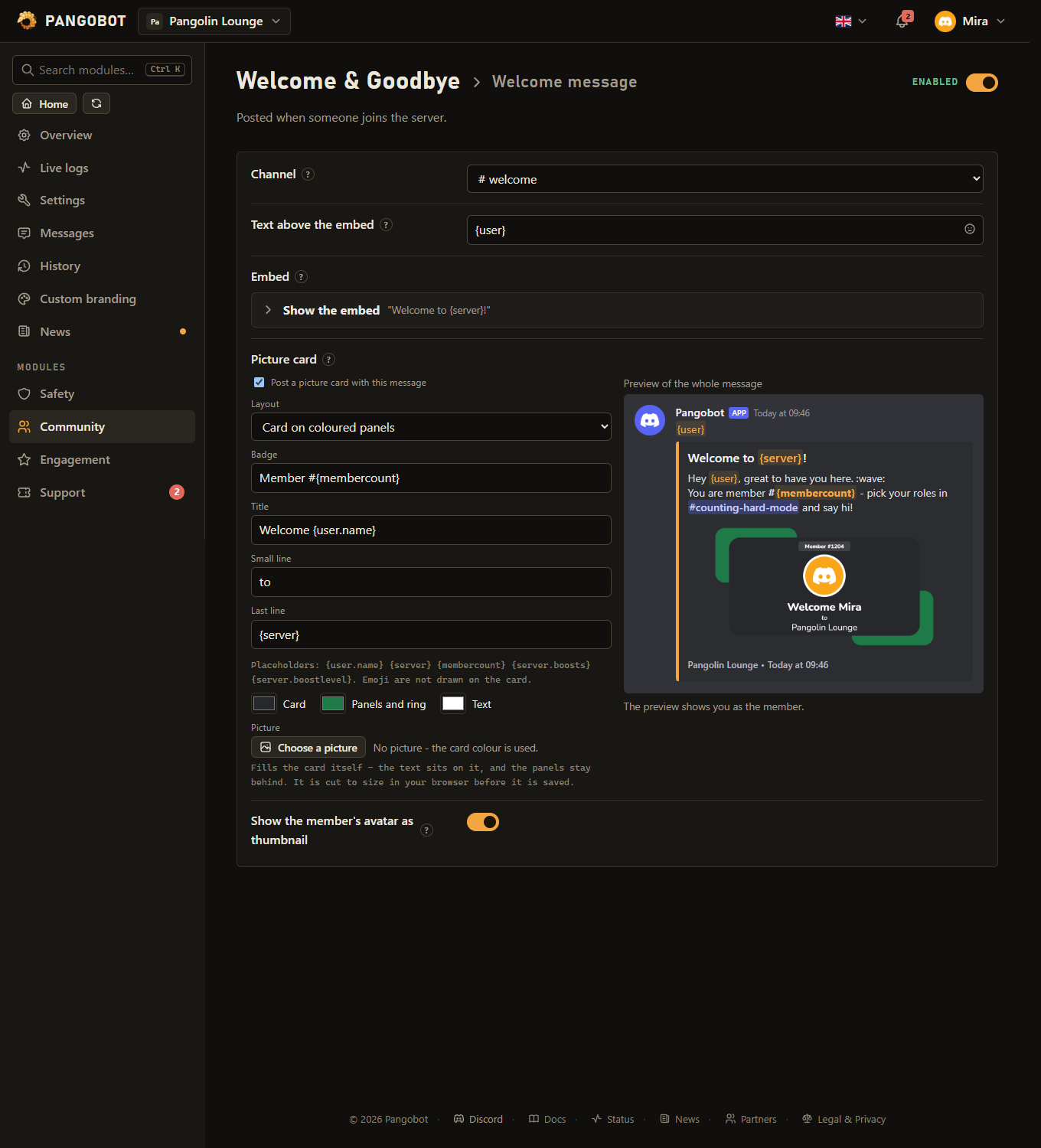
Wherever the bot posts a message of yours - welcome messages, role menus, ticket panels, feed posts, scheduled messages - you build it in the same embed builder, with a preview that looks like Discord.
What an embed can hold
- Author line with icon and link, title with link, text, a colour.
- Up to 25 fields, each with a name and a value, side by side if you tick inline.
- A large image, a small thumbnail, a footer with icon, and a timestamp.
- Discord allows 6,000 characters for all the text of one embed; the counters show how much is left.
- Picture and link addresses must start with
https://- or be a single placeholder such as{user.avatar}where a module offers one. - Pictures on Discord's own servers show in the preview at once. A picture on any other website waits for a click on Load pictures under the preview.
Moving a message in and out: { } JSON
Beside the preview there is a { } JSON button. Copy the JSON to keep a message or move it to another server, or paste one in and press Take it over. Buttons, files, polls and a sender name are left out.
Placeholders
A placeholder is replaced when the message is posted. Which ones exist depends on the module; each text field names its own underneath. The common ones:
| Placeholder | Becomes |
|---|---|
{user} | A mention of the member |
{user.name} | The member's name, without a ping |
{server} | The server's name |
{membercount} | How many members the server has |
{server.boosts} | How many boosts the server has |
{server.boostlevel} | The server's boost level, 0 to 3 |
{level} | The level just reached (Leveling) |
{title} {author} {url} | Of a video, post or feed entry (Social Notifications) |
{name} {days} {daysText} {hours} {date} {time} {relative} | Of a countdown (Countdowns) |
{ticket} | The ticket number (Tickets) |
Emojis and formatting
- The smiley button in a text field opens the emoji picker: the standard emojis and your server's own, with search and your recent ones.
- Discord formatting works as in chat:
**bold**,*italic*,__underline__,~~strike~~,||spoiler||,# Heading,> quote, lists and code blocks. The preview shows it. - Mention a channel or role by picking it in Discord and copying the mention, e.g.
<#123...>- the preview shows the name.